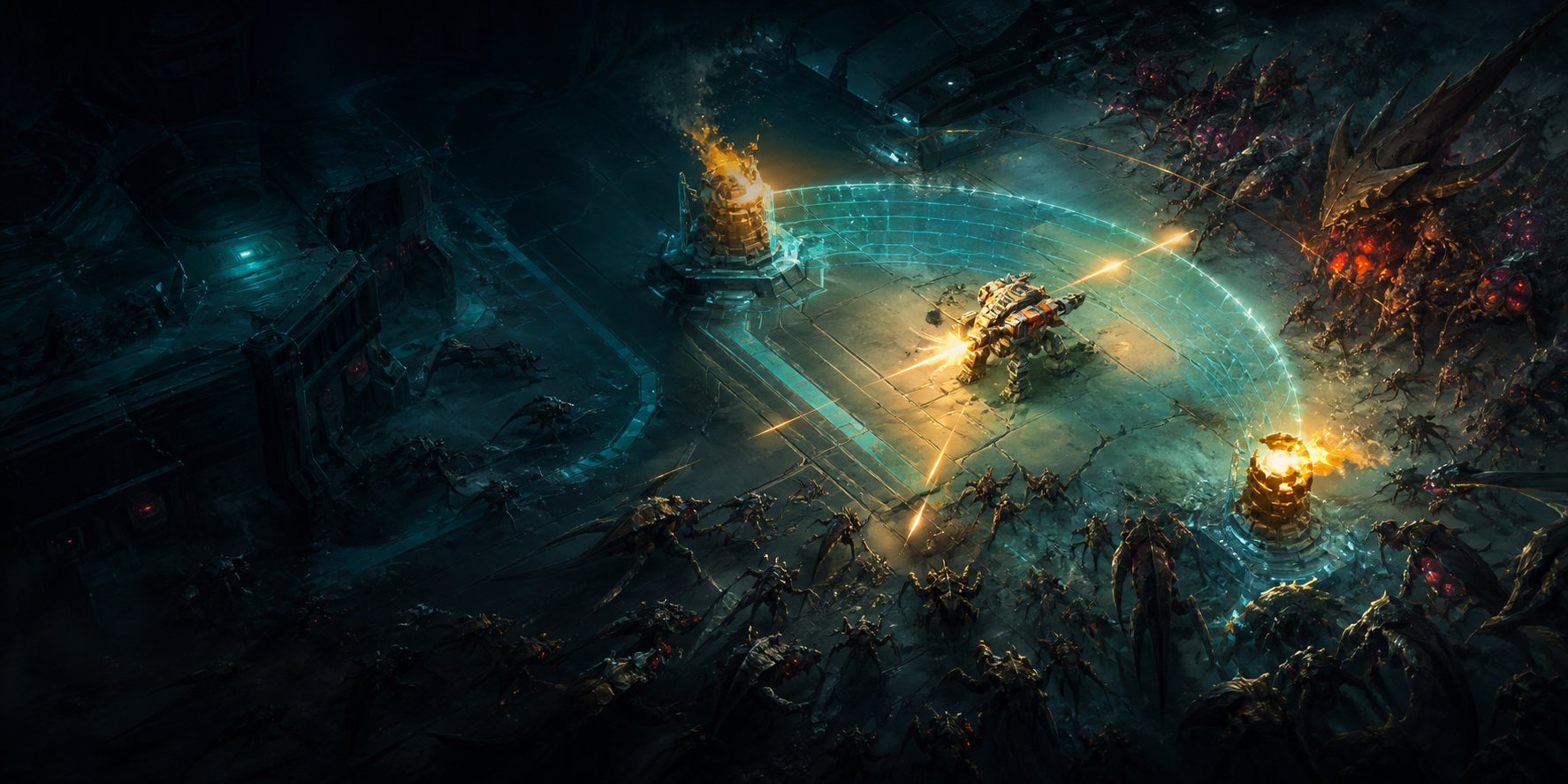
Creating game promotion assets—Steam capsule art, social media graphics, press kit images—requires speed and consistency. This tutorial demonstrates a Vibart AI workflow for producing Iron Core-style game assets.
Asset requirements for game launches
Steam requires: capsule images (460x215, 616x353, 374x448), header images (460x215), and library assets. Social media needs: platform-specific banners and shareable graphics. Press kits need: hero art, screenshots, and logos.
Consistency across all assets builds recognizable brand identity.
Vibart AI workflow step-by-step
Step 1: Generate hero concept—describe the game's visual identity in a single prompt. Step 2: Create variations—generate multiple options for each asset type. Step 3: Canvas refinement—arrange elements, add text, adjust composition. Step 4: Export—produce assets at required resolutions.
The canvas editor's layer system and snap guides ensure professional-quality layouts.
Tips for game-specific prompts
Be specific about style: 'Sci-fi mech combat, top-down perspective, neon-lit arena, dark background.' Reference existing art: upload screenshots as style references. Iterate: generate, review, refine prompts, regenerate.
Vibart AI's mark and quick edit feature lets you modify specific regions without regenerating the entire image.
Game features and store availability can change during development. For the latest purchase details, reviews, demo status, and platform information, check the official Steam listing.
QUICK ANSWERS
Frequently asked questions
How many credits do I need for a full asset set?
A typical Steam asset set (3 capsule images + header + social banners) requires approximately 30-50 credits, depending on iterations.
Can I use Vibart AI for ongoing marketing?
Yes. Vibart AI's pay-as-you-go model supports ongoing asset creation without subscription commitments.